
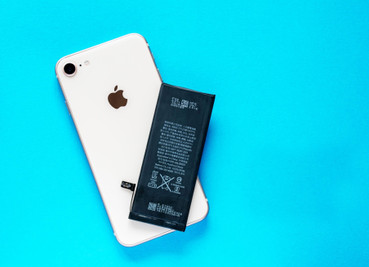
Top 5 Signs Your Phone Needs a Battery Replacement
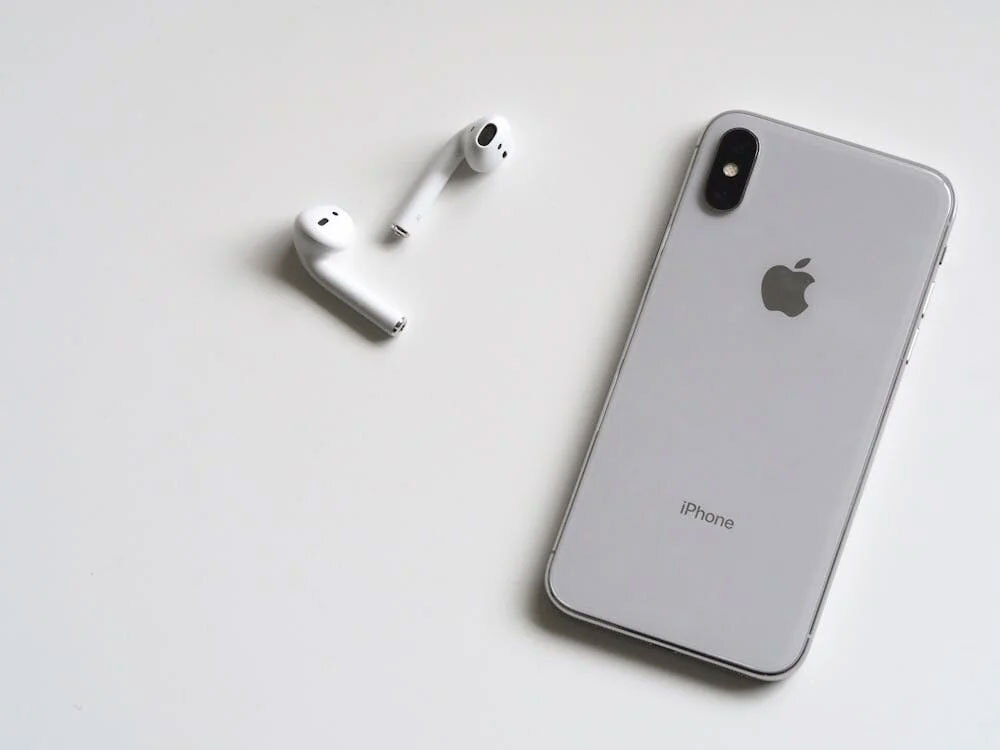
Is your phone acting like it's on its last legs? Prone to dying, overheating, or shutting itself off randomly? You're not alone. Phone batteries degrade over time, and knowing when to replace them can save you from constant frustration. Here are the top 5 signs that your phone needs a battery replacement.
1. Your Phone Dies Faster Than a TikTok Trend
What’s Happening:
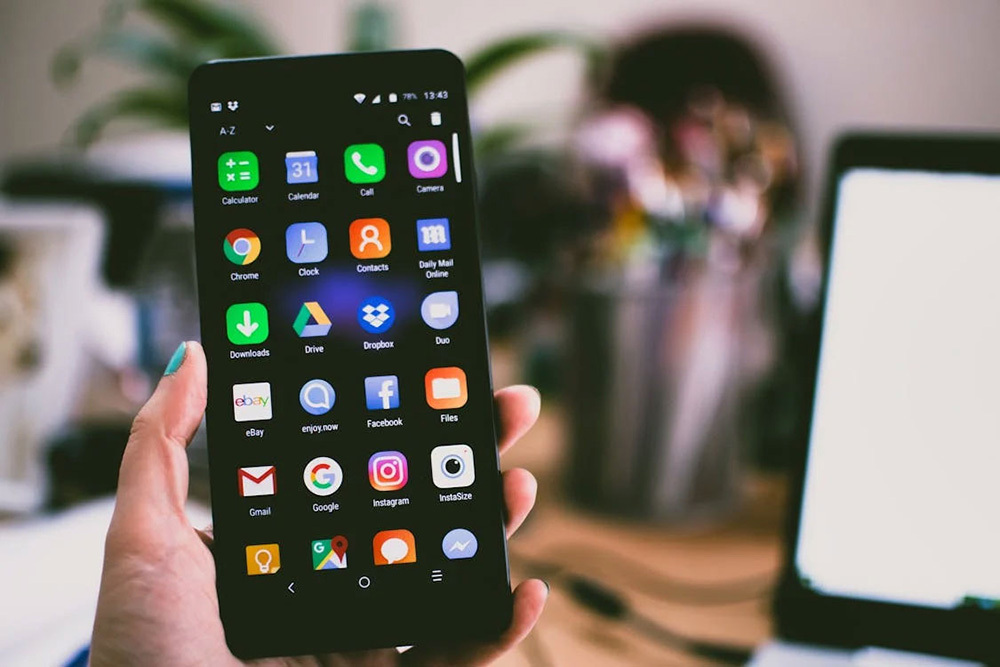
If your phone's charge plummets from 50% to 5% in just a few minutes, the battery is no longer capable of holding a charge. Lithium batteries degrade after 300-500 charge cycles and lose their ability to store power.
What to Do:
Check your battery health:
- iPhone: Go to Settings > Battery > Battery Health. If it’s below 80%, it’s time for a replacement.
- Android: Use apps like AccuBattery to monitor capacity.
2. It Randomly Shuts Off (Even with Charge Left)
What’s Happening:
A failing battery can't deliver stable voltage, causing your phone to shut down unexpectedly - even with a 20% or 30% charge. This is common on older iPhones (like the iPhone 6/7) and heavily used Android devices.
What to Do:
- Avoid letting the battery drop below 20%.
- Replace the battery to avoid damaging other components.
3. The Battery is Swollen or Warped
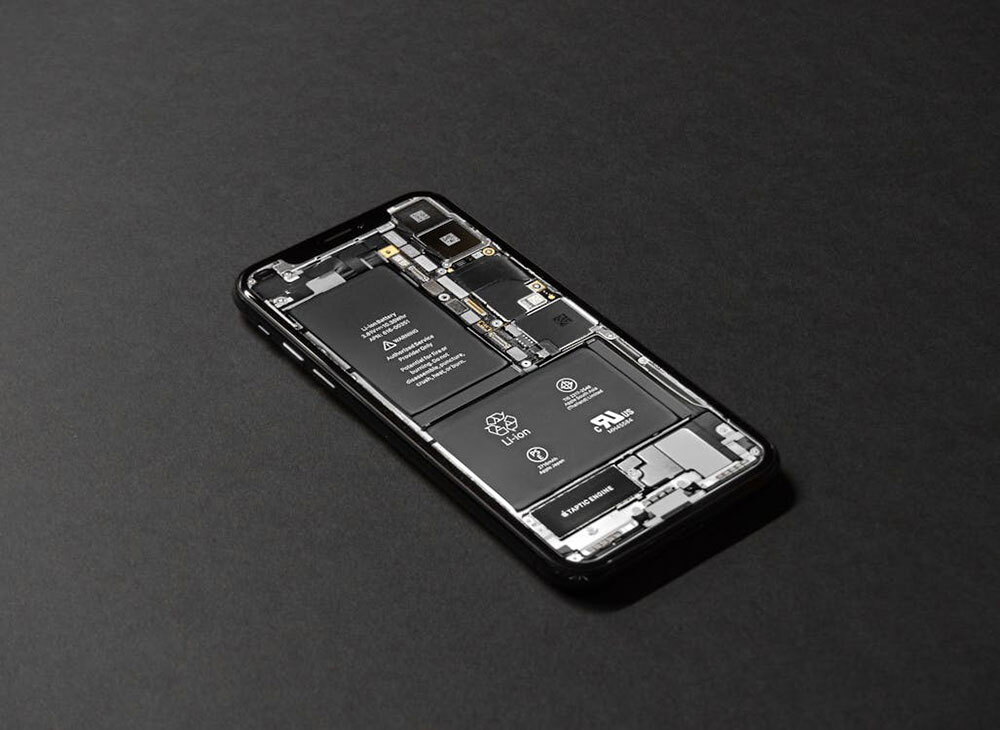
What’s Happening:
A swollen battery is a serious safety hazard. Overheating or internal damage can cause gas to build up, distort the battery, or even rupture the screen or case.
What to Do:
- Stop using your phone immediately.
- Replace the battery as soon as possible-don't risk a leak or explosion.
4. Charging Takes Forever
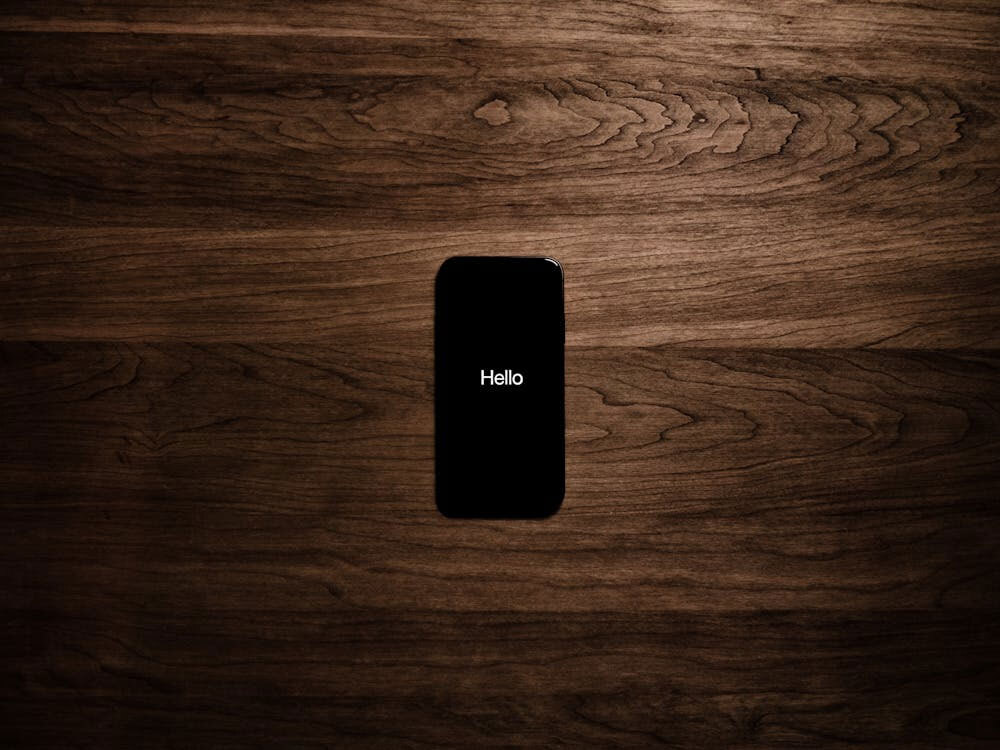
What’s Happening:
If your phone takes hours to charge or fails to charge at all, the battery may not be able to receive power. This is usually accompanied by overheating while charging.
What to Do:
- Try a different charger/cable first.
- If this problem persists, it's probably a dead battery.
5. Overheating During Basic Tasks

What’s Happening:
A degraded battery has a harder time powering your phone, leading to overheating. If your phone feels hot when performing simple tasks (texting, browsing the web), it's a sign that something is wrong with the battery.
What to Do:
- Close background apps.
- Replace the battery to avoid long-term damage.
Recent Posts
-

Why Your Phone Won’t Charge & How to Fix It for Free
Your phone's battery is at 5%. You plug it in, breathe a sigh of relief... and nothing happens. No c …Mar 16, 2026 -
Why Face ID Fails After a Screen Replacement & How to Fix It
You’ve just replaced your iPhone’s cracked screen. The display looks flawless, colors are vibrant, a …Feb 04, 2026 -
How to Fix Backlight Issues on iPhone Screens After Replacement
You've successfully replaced your iPhone's screen, carefully reconnecting every tiny cable. But when …Jan 27, 2026